You want to run a giveaway on your WooCommerce store. Maybe to clear out inventory, get some buzz going before a product launch, or just grow your email list. Simple enough, right?
So you look at the options. Gleam wants $97/month for their Growth plan. Rafflecopter charges $84/month. RafflePress starts at $49.50/year but locks the useful features behind higher tiers. All of them work by embedding a widget on your site that sends traffic and data to their platform, not yours.
Meanwhile, your WooCommerce store already has payment gateways, customer accounts, order management, coupon codes, and email notifications. That's 90% of what a giveaway needs. The only missing piece is the giveaway logic: entry tracking, ticket numbers, countdown timers, and winner selection.
A WooCommerce raffle plugin adds that missing piece. We build one (Raffle for WooCommerce, free on WordPress.org), so this guide uses it for the walkthrough. Factor in that bias. The general approach works with any WooCommerce raffle plugin.
What is a WooCommerce giveaway?
A WooCommerce giveaway is a promotional draw run directly through your store's checkout. Customers enter by "purchasing" a giveaway product (free or paid), and you pick a winner when the promotion ends. All entries, customer data, and payments stay in your WooCommerce dashboard. No external platform, no per-entry fees, no widget embeds.
Giveaway, raffle, contest: the legal difference
People use these words interchangeably, but they mean different things legally. Getting this wrong can create real problems.
Giveaway (sweepstakes): Enter for free or by buying something. Winner picked randomly. If you require a purchase to enter, most US states and Canadian provinces require a free entry option too. The "no purchase necessary" line isn't just a phrase, it's a legal requirement in many jurisdictions.
Raffle: Buy numbered tickets. Winner drawn from ticket holders. Many places treat this as a lottery and require a license. Charities often get exemptions. Our guide to running charity raffles online covers the legal side in detail.
Contest: Winner chosen by skill or judging. Fewer legal restrictions because it's not random chance.
For most WooCommerce store owners running a promotional giveaway, the sweepstakes model works best.
How to set up a WooCommerce giveaway
This walkthrough uses Raffle for WooCommerce. Full disclosure, it's our plugin. The steps apply to most WooCommerce raffle plugins.
Install the plugin
Plugins > Add New, search "Raffle for WooCommerce," install, activate. Or grab it from WordPress.org.
After activation, head to WooCommerce > Settings > Raffle > Modules and enable what you need. Newer features default to off so nothing changes on existing stores.
Create the giveaway product
Go to Products > Add New. Set the product type to Raffle in the product data dropdown.
The fields that matter:
- Title: Be specific about the prize. "Win a $500 Store Credit" tells people exactly what they get. "Spring Giveaway 2026" tells them nothing.
- Price: $0 for a free-entry giveaway (lead generation). $1 to $10 for a paid-entry draw. This goes through your normal WooCommerce checkout, so existing payment gateways, tax rules, and coupons all apply.
- Raffle start and end dates: Your promotion window. 7 to 14 days works for most giveaways. Shorter than a week and you can't promote it enough. Longer than two weeks and nobody feels urgency.
- Maximum tickets: Total entries available. Set this lower than you'd expect. "Only 200 spots left" works better than "unlimited entries."
- Tickets per customer: 1 to 3 for promotional giveaways where you want maximum unique participants. Higher or unlimited for revenue giveaways where ticket sales are the point.
Pick the draw method
Two decisions: when to draw, and how to draw.
When to draw:
- Manual draw: You go to the product edit page and click "Draw Winners" when you're ready. Good when you want to control the timing.
- Auto draw: Check "Automatically select winners when raffle ends" in the product settings. The system draws via WP Cron when the end date passes. Set it and forget it.
How to draw (randomization method):
- Standard Random: WordPress random function. Fine for most giveaways.
- Cryptographically Secure: PHP's
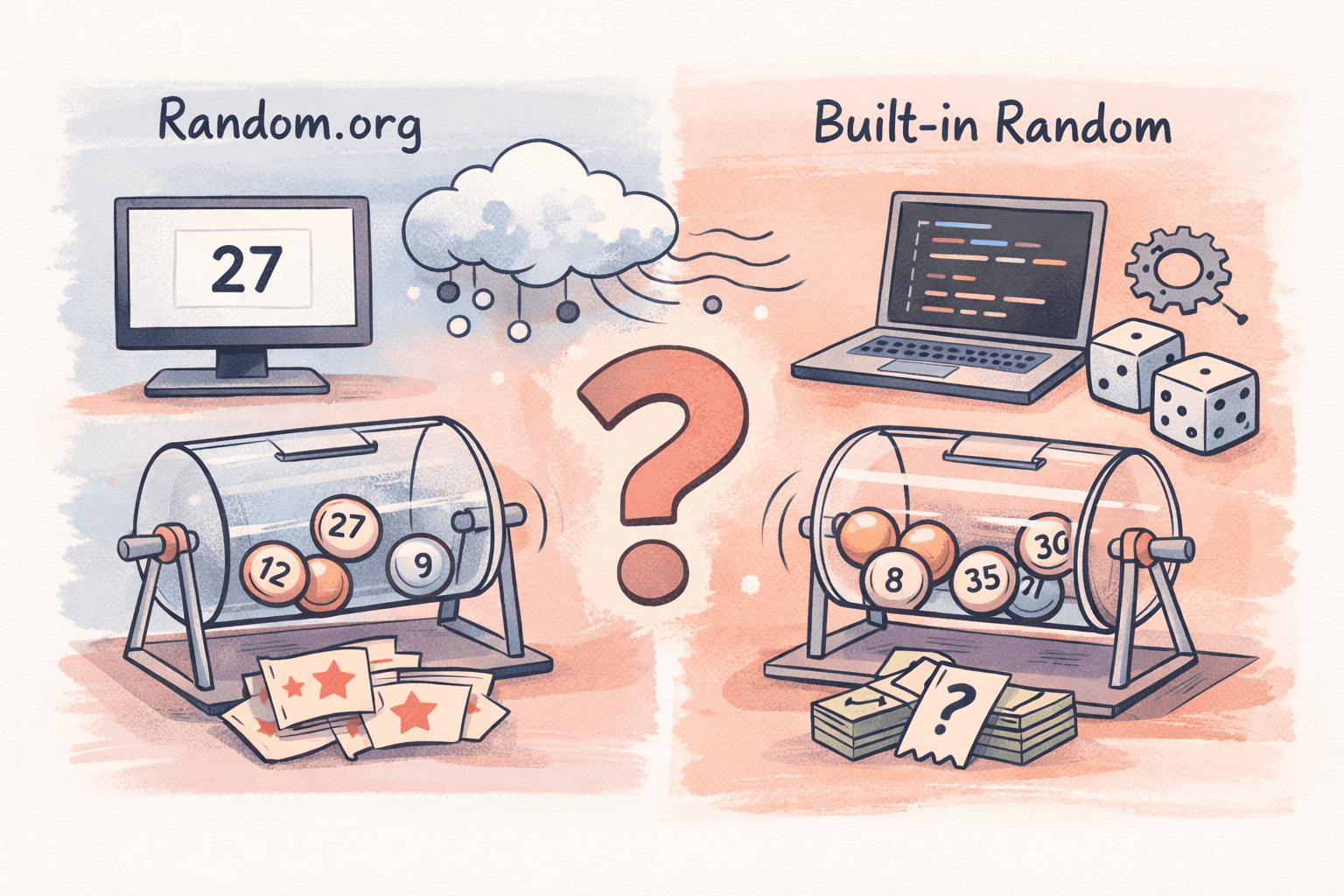
random_int(). Better randomness, recommended for anything more than casual. - Random.org: True random numbers from atmospheric noise, with a verifiable audit trail. Use this when the prize is worth real money and participants need to trust the process. Requires a free API key from random.org.
Add urgency
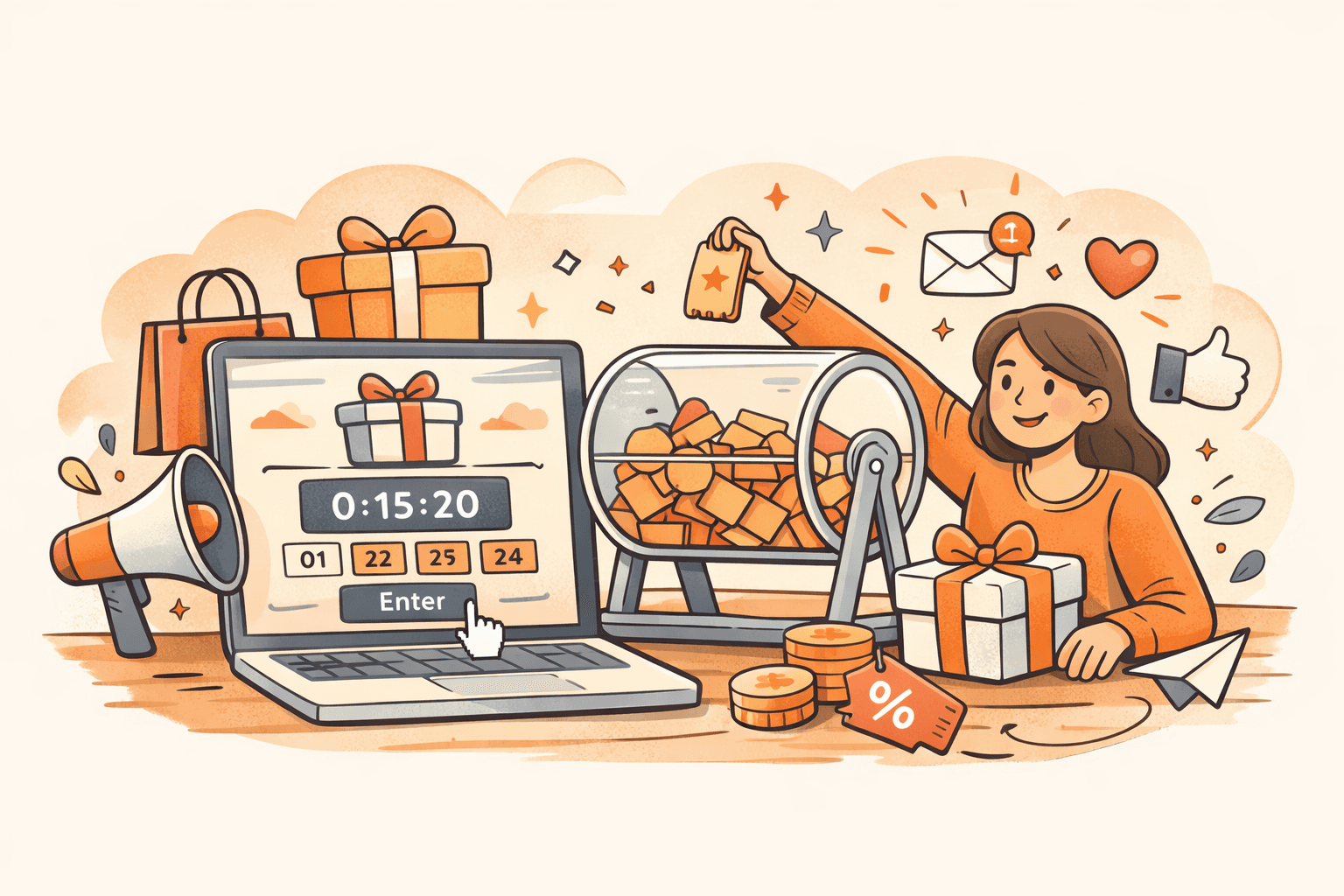
Enable the countdown timer on the product page. It shows how long until the giveaway closes and shifts to red when less than 3 days remain. The free plugin includes a clean default style. If you want something that matches your brand better, Pro includes 17 countdown styles and 9 badge styles ranging from minimal to bold.
If you've set a maximum ticket limit, enable the progress bar to show entries filled vs. available. When people see 150 out of 200 spots taken, they stop thinking about it and enter. (The progress bar only appears when a maximum is set.)
Handle the legal side
If your jurisdiction requires a free entry method (and many do), enable the Free Entry Route in WooCommerce > Settings > Raffle > Compliance. This adds a "Paid Entry" / "Free Entry" tab on the product page with your instructions for the alternative entry method.
For Canadian provinces, enable Skill-Testing Questions, a simple math or multiple choice question that satisfies the legal requirement that a prize can't be awarded purely by chance.
This isn't legal advice. Talk to a lawyer if you're unsure about your specific situation.
Publish and promote
Hit publish. The product page is live. Now comes the part most people get wrong.
How to get entries (most stores skip this)
Most WooCommerce giveaways fail at promotion, not setup. You create a giveaway product, share it once on social media, and wonder why you only got 12 entries.
Email your list first. Your existing customers are the easiest audience. Don't bury the giveaway in a newsletter alongside three other announcements. Send a dedicated email where the giveaway is the entire message. Subject line: "You could win [specific prize], enter now." Direct link to the giveaway product page.
Put a banner on your store. Every visitor who lands on any page should know the giveaway exists. A simple notification bar: "Win a $500 store credit. Enter our giveaway." The people browsing your products right now are exactly who you want entering.
Share the numbers as entries come in. "87 people have already entered, have you?" This works on social media because it shows real activity. The progress bar on the product page does this automatically, but say it out loud on social too. People enter giveaways that look popular. They ignore ones that look dead.
Daily countdown on social media. Post updates as the end date approaches. "3 days left" creates urgency for everyone who saw the initial announcement and thought "I'll do that later." They won't do it later unless you remind them.
Partner if you can. If your prize includes products from other brands, ask them to share the giveaway with their audience. Fastest way to reach people who've never heard of your store.
What to give away
The prize determines who enters. Get this wrong and you attract people who have zero interest in what you sell.
Give away your own products. If you sell handmade leather bags, give away a leather bag. The people who enter are people who want leather bags. That's who you want on your email list.
Store credit works well. A $200 store credit means the winner shops on your store (so you get revenue regardless), and every entrant just browsed your catalog to see what they'd buy. The winner often spends more than the credit amount.
Skip generic prizes. An iPhone giveaway gets thousands of entries from people who will never visit your store again. The Instagram "like and share to win an iPad" era produced huge entry numbers and approximately zero lasting customers. If the prize doesn't filter for people who'd actually buy from you, you're collecting emails you'll never convert.
What to do after the draw
Announce publicly
Post the winner on your store (the winner announcement shortcode handles this), email all participants, and share on social media. People trust giveaways that actually announce winners. It also builds credibility for the next one.
If you want to make the announcement itself an event, Pro's Winner Reveal page shows a live draw animation with confetti effects when the winner is revealed. Share the URL with your audience or stream it live. Works well for social media events and charity draws where the announcement is part of the experience.
If the prize is worth more than a small amount, use Random.org as your selection method. It uses atmospheric noise for true randomness and provides verification URLs and serial numbers for each draw. You can point anyone to the audit trail if they question the result.
Follow up with everyone who didn't win
This is where most stores leave money sitting there. You just collected a bunch of WooCommerce accounts from people interested enough in your products to enter a giveaway. They didn't win. They're a little disappointed.
Send them a consolation offer. "You didn't win this time, but here's 15% off your next order, valid for 7 days." A surprising number of people use it. They already have an account, they already know what you sell, and now they have a reason to buy.
If you don't follow up, those accounts just sit there doing nothing.
Four giveaway formats
Paid entry
Customers buy a ticket ($1 to $10) to enter the draw. Every entry generates revenue. Use bulk pricing tiers to reward bigger purchases: "Buy 5 entries, get 10% off." Simplest format and the one that directly pays for itself.
If you want the experience to feel more like a real raffle, Pro's Pick Your Own Ticket grid replaces the quantity input with a visual grid where customers choose their own lucky numbers. Sold tickets are greyed out, reserved tickets show a countdown, and the whole thing works on mobile. It's the traditional raffle ticket book experience, online. You can also send buyers a PDF ticket via email after purchase, which makes the entry feel real and gives them something to share. Bonus tickets can automatically award extra entries for buying more (e.g., buy 10 tickets, get 2 bonus entries), buying early, or being a specific user role like VIP members.
Free entry (lead generation)
Price the raffle product at $0. Customers go through your WooCommerce checkout for free, which captures name, email, and creates an account. You get contacts. They get a chance to win.
For something more visual than a checkout flow, the Lucky Wheel / Spin to Win feature in Pro puts a spinning wheel on any page, gated behind an email signup. Works as a popup, inline embed, or floating button.
Spend-threshold entry
"Spend $50 or more and get entered to win." Pushes people to add more to their cart. Create a free raffle product and manually add qualifying customers, or use a coupon that auto-adds the entry to carts over the threshold. If you're already running a loyalty program with WooRewards, Pro can integrate raffle entries with loyalty points so customers can redeem points for tickets.
Instant win
Customers find out if they won immediately after entering. No waiting for a draw date. Enable Instant Win mode for probability-based (e.g., 1 in 50 chance per ticket) or guaranteed interval (one winner every N tickets). Results show on the thank-you page.
Pro's Advanced Instant Win lets you pre-select which specific ticket numbers win and set up multi-tier prize levels.
Mistakes that waste your time
Running giveaways every month. You train customers to wait for the next giveaway instead of buying at full price. Quarterly or seasonal works. Monthly doesn't.
Requiring too many steps. "Buy a ticket to enter" is one step. "Follow us on Instagram, Twitter, and TikTok, share this post, tag two friends, and sign up for our newsletter to enter" is six steps and most people quit after two. Keep it simple.
No tracking. If you don't know how many entries you got, how much revenue the giveaway produced, and how many entrants became repeat customers afterward, you can't tell whether it worked. The free plugin tracks this in the analytics dashboard. Pro adds a full entry/participant list where you can see every entrant, their ticket numbers, and entry dates in one place.
Skipping the legal stuff. Giveaway laws vary by country, state, and city. Many require official rules, a free entry route, age restrictions, and void-where-prohibited language. Consult a lawyer if you're doing anything bigger than a casual promotion.
Frequently asked questions
What is the best WooCommerce giveaway plugin?
Depends on the type of giveaway. For draws that run through your WooCommerce checkout (paid or free entry), Raffle for WooCommerce is free and covers ticket sales, Random.org winner selection, countdowns, and progress bars. For social media engagement campaigns ("follow and share to enter"), RafflePress is built for that. We compared every option in our raffle plugin comparison.
Can I run a free giveaway on WooCommerce?
Yes. Create a raffle product priced at $0. Customers go through checkout for free, which captures their name, email, and account. Works as a lead generation tool without any cost to participants.
How do I make a WooCommerce giveaway legally compliant?
Laws vary by jurisdiction. In general: include official rules, offer a free entry method if purchase is required, set age restrictions, and add void-where-prohibited disclosures. Raffle for WooCommerce includes a built-in free entry route and skill-testing questions for Canadian provinces. Consult a lawyer for your specific jurisdiction.
How long should a WooCommerce giveaway run?
7 to 14 days for most promotions. Under a week, you can't promote it enough. Over two weeks, urgency drops. For seasonal promotions tied to holidays, match the window to the shopping period.
What's the best prize for a WooCommerce giveaway?
Your own products or store credit. A $200 store credit means the winner shops on your store and often spends more than the credit amount. Generic prizes like electronics attract entries from people who'll never come back.
Can customers enter a giveaway for someone else?
With Raffle for WooCommerce, yes. The gift ticket feature lets buyers purchase entries for friends or family. The recipient's name goes into the draw and they get an email with their entry details.
How do I pick a giveaway winner fairly?
The plugin offers three randomization methods: standard random, cryptographically secure (random_int()), and Random.org (true randomness from atmospheric noise with a verifiable audit trail). For high-value prizes, Random.org is the way to go because participants can independently verify the draw. For casual giveaways, cryptographically secure is plenty. Our technical breakdown of Random.org vs built-in random explains the differences in detail.
Should I require a purchase to enter?
It depends on your goal. Paid entry generates revenue but gets fewer entries. Free entry maximizes reach and email capture but brings in more people with no buying intent. A hybrid works well: paid entry, plus a free entry route for compliance and maximum reach.
Want to try it? Raffle for WooCommerce is free on WordPress.org. Install it, create a raffle product, set your prize, and publish. The getting started guide walks through every setting.
If you need the visual stuff (pick-your-own-ticket grids, lucky wheel popups for email capture, PDF tickets, winner reveal animations, bonus ticket rewards), those are in the Pro addon for $69.
Running events alongside your giveaways? Our guides on selling event tickets with WooCommerce and managing events in WooCommerce cover the full setup. If checkout security is a concern, we tested 7 CAPTCHA plugins for WooCommerce to find which ones work with Block Checkout.