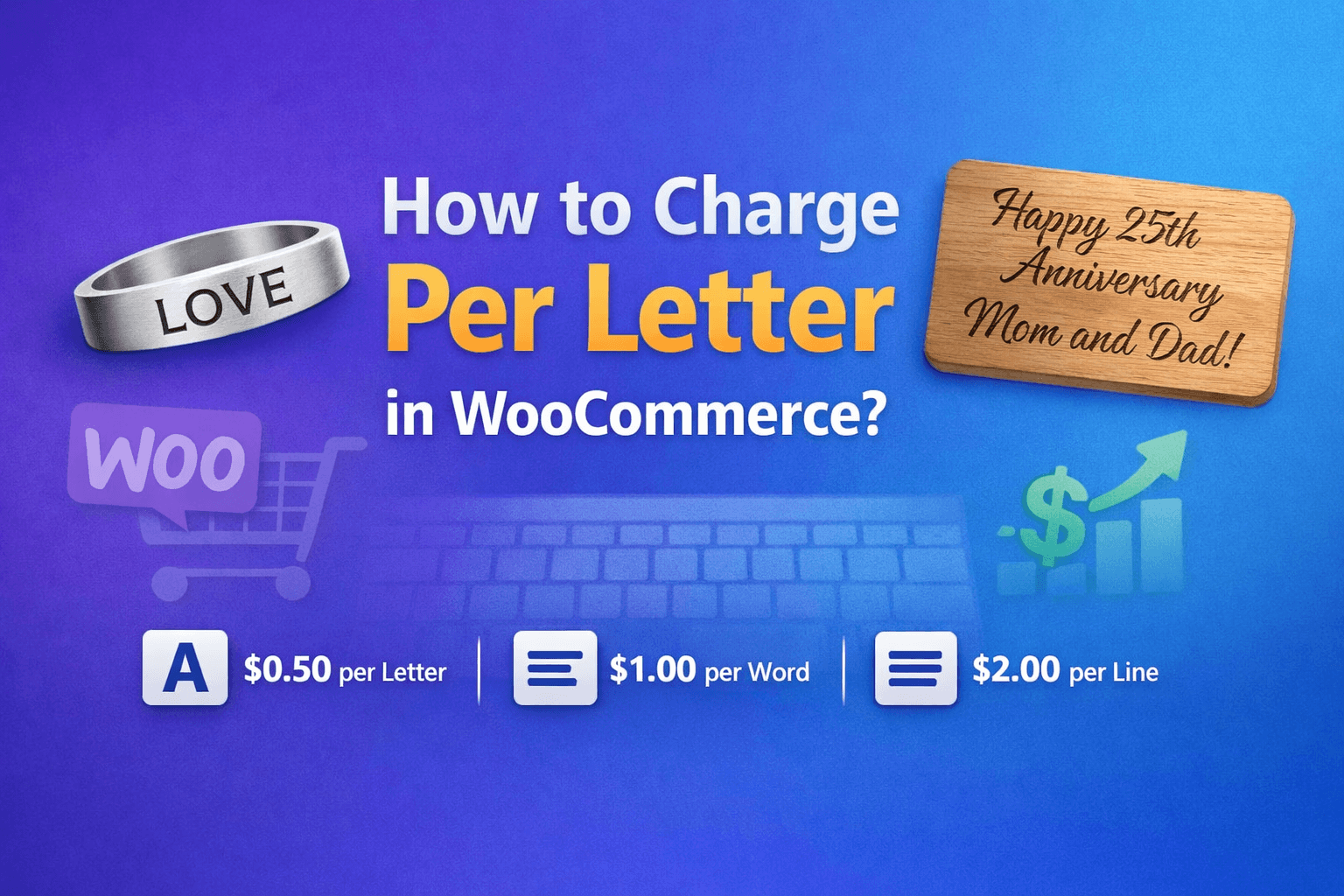
You sell custom engravings. A customer orders "LOVE" on a bracelet. Another orders "Happy 25th Anniversary Mom and Dad!" on a plaque.
Same product. Same flat fee. But one takes 10x more work.
Sound familiar?
This is the pricing problem every personalization business faces. And WooCommerce doesn't solve it out of the box.
We build WooCommerce plugins, and this is one of the most specific requests we hear from store owners selling personalized products, including engravers, embroiderers, bakeries, and gift shops. They all want to charge based on what customers actually type, not a flat fee that overcharges short text and undercharges long text.
We tested every major WooCommerce add-on plugin to see if any of them handle per-character pricing. Here's what we found.
The real problem
Personalized products are booming. Custom engravings, embroidery, cake messages, printed labels, monogrammed gifts; people love them.
But text length varies wildly:
- A 3-letter monogram? Quick job.
- A 50-character anniversary message? Much more effort.
- Overprice short messages, and lose sales.
- Underprice long messages, and lose money.
What we tested
WooCommerce has a great ecosystem of product add-on plugins. We tested the major ones specifically for character-based pricing support.
WooCommerce Product Add-Ons by Woo
The official solution from Woo. $79/year. Text fields, dropdowns, checkboxes, flat fee add-ons, and percentage-based pricing.
Can it charge per letter? No. You can add a text field and charge a flat fee when the customer types something. But the price doesn't change based on how many characters they enter. Three letters or thirty, same price.
Product Addons for WooCommerce by Acowebs
Free plugin with 30,000+ installs. Drag-and-drop form builder with text, number, date, and color fields. Conditional logic in the premium version.
Can it charge per letter? No. Same as Woo's plugin, flat fees only. The premium version adds more field types but still no character-based pricing.
YITH WooCommerce Product Add-Ons
Part of the YITH family. Upload fields, color swatches, price multipliers.
Can it charge per letter? No. You can multiply price by quantity, but text length isn't a supported pricing dimension.
WooCommerce Product Add-Ons Ultimate by Plugin Republic
Premium option at $49+. Calculation fields, image uploads, complex conditional logic.
Can it charge per letter? No. Powerful for many pricing scenarios, but character-based pricing isn't one of them.
PPOM – Product Addons by ThemeHigh
Popular free alternative with formula support and math calculations.
Can it charge per letter? Not natively. You could theoretically hack together a formula using the math fields, but it's clunky and wasn't designed for this purpose.
The pattern
Every plugin we tested is great at adding fields to products. They handle flat fees, option-based pricing, and percentage adjustments well. But none of them natively support:
- Charge per character typed.
- Charge per word typed.
- Real-time price updates as the customer types.
This isn't a criticism. These plugins are designed for a broad range of add-on scenarios. Character-based pricing is a niche requirement that falls outside their scope.
The plugin that does it
After testing the general-purpose add-on plugins, we built Smart Input Pricing for WooCommerce to solve this specific problem. Full disclosure, it's our plugin.
It does one thing: charge based on text input. No bloated feature set. No 50 options you'll never touch.
How it works:
- Enable on any product, one checkbox.
- Set your rate, $0.50 per character? $2 per word? Your choice.
- Customer types, price updates in real-time.
- Fair pricing, they see exactly what they'll pay. No surprises.
Three pricing modes
- Per Character: Perfect for engraving, embroidery, name plates.
- Per Word: Great for custom messages, quotes, dedications.
- Per Line: Ideal for multi-line text areas, poems, certificates.
What makes it different?
| Feature | Other Add-On Plugins | Smart Input Pricing |
|---|---|---|
| Add text fields | Yes | Yes |
| Flat fee pricing | Yes | Yes |
| Per-character pricing | No | Yes |
| Per-word pricing | No | Yes |
| Real-time calculation | No | Yes |
| Set min/max limits | Varies | Yes |
| Works with variations | Varies | Yes |
Real-world pricing examples
To illustrate how per-character pricing works in practice:
Engraving at $0.75 per letter:
- "MOM" → $2.25 extra
- "Forever in my heart" → $14.25 extra
- "Happy 25th Anniversary" → $16.50 extra
Cake messages at $0.50 per word:
- "Happy Birthday" → $1.00 extra
- "Congratulations on your promotion, Sarah!" → $3.00 extra
Custom embroidery at $1.00 per character:
- "JD" monogram → $2.00 extra
- "Johnson Family Est. 2024" → $24.00 extra
Quick setup guide
Getting started takes about 2 minutes:
- Install Smart Input Pricing for WooCommerce from WordPress.org or search "Smart Input Pricing" in your WordPress dashboard.
- Edit any product. Scroll to the "Smart Input Pricing" section.
- Enable it, choose pricing mode (character, word, or line), set your price per unit.
- Save and test on the product page.
Frequently asked questions
Does it work with variable products?
Yes. The character-based price adds to whatever the variation price is. A "Gold" variation at $50 + 10 characters at $0.75 each = $57.50 total.
Can I set a minimum charge?
Yes. Set a minimum character count so customers must type at least that many characters. Useful for products where very short text doesn't make practical sense.
Does it work with WooCommerce Blocks?
Yes. Fully compatible with the Cart and Checkout blocks. No classic checkout required.
Is it HPOS compatible?
Yes. Works with WooCommerce's High-Performance Order Storage.
Will it slow down my site?
No. Price calculation happens client-side in JavaScript. No extra server load.
The bottom line
If you sell personalized products, flat-fee pricing is broken. A 4-letter name shouldn't cost the same as a 40-character message.
Most WooCommerce add-on plugins focus on adding fields. They're not built for text-length pricing. It's a specific problem that needs a specific solution.
Try it free: Smart Input Pricing for WooCommerce